
v1.7.3.0 Update Notes
Modules removed
Section titled “Modules removed”Nicknames And Comments In Friend List [UI_Optimization]
Section titled “Nicknames And Comments In Friend List [UI_Optimization]”- The module functions have been inherited into the new module
Better Friend List.
New modules
Section titled “New modules”Auto Emphasize KO Number In Frontline [UI_Optimization]
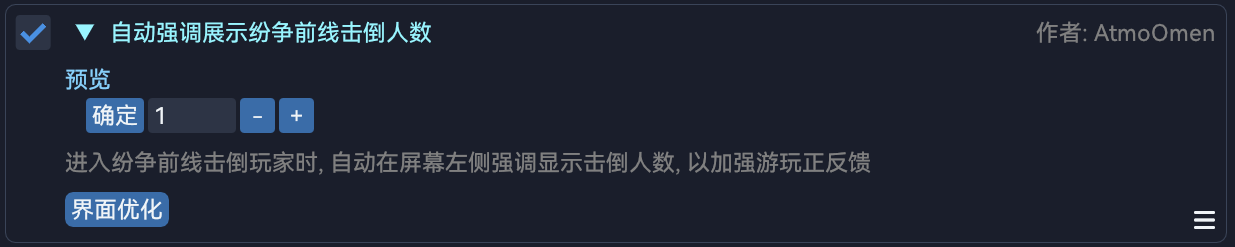
Section titled “Auto Emphasize KO Number In Frontline [UI_Optimization]”Emphasize the number of players knocked down so far every time a player was knocked down by self for a better sense of achievement.

Better Friend List [UI_Optimization]
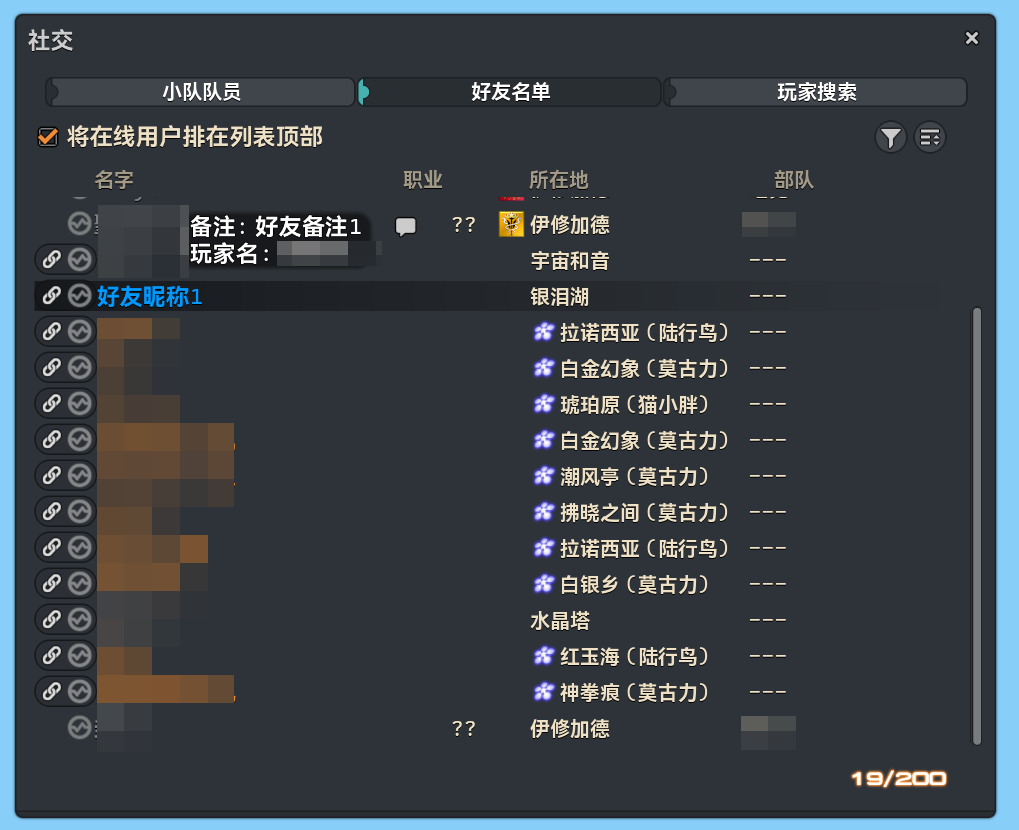
Section titled “Better Friend List [UI_Optimization]”Provide a better friend list that player names and servers of friends marked as “(Unable to Retrieve)” could be retrieved as usual, and users could add nicknames/comments for friends or inquire previous names of friends.

Auto Switch Categories In Glamour Dresser [UI_Optimization]
Section titled “Auto Switch Categories In Glamour Dresser [UI_Optimization]”Automatically switch to the category corresponds to the current job of the character after accessing Glamour Dresser.

Module modifications
Section titled “Module modifications”HD-enhanced Interface Texts [UI_Optimization]
Section titled “HD-enhanced Interface Texts [UI_Optimization]”- The module remit was adjusted.
Auto Check Item Level [Combat]
Section titled “Auto Check Item Level [Combat]”- The module behaviours were adjusted.
Search Bar In Blue Magic Spellbook [UI_Optimization]
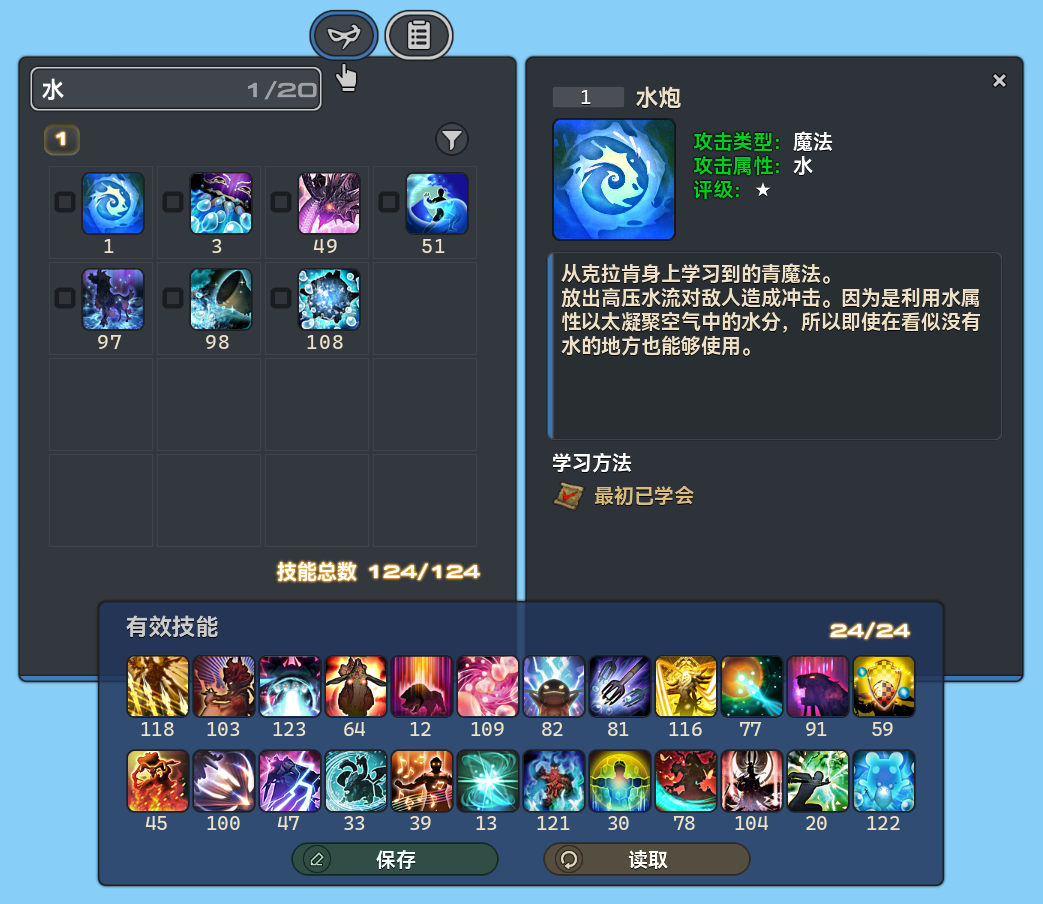
Section titled “Search Bar In Blue Magic Spellbook [UI_Optimization]”- The search bar is now presenting using vanilla game assets instead of Imgui in the past.
Better Enmity List [UI_Optimization]
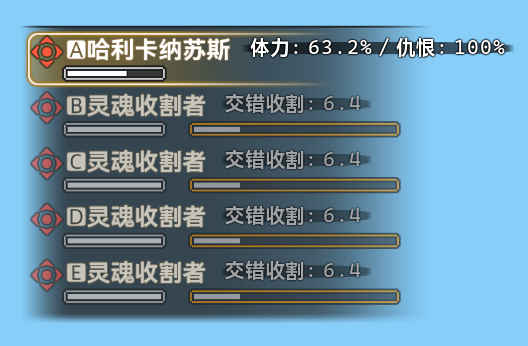
Section titled “Better Enmity List [UI_Optimization]”- The internal name of the module has been changed, therefore users need to re-enable the module manually.
- The module was refactored using a new approach with improved security.
- The overall appearance was improved. Backgrounds were applied to text nodes for better clarity.
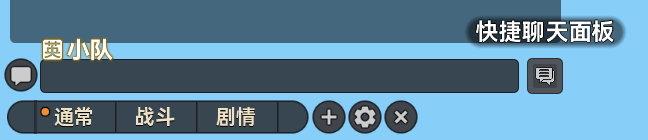
Quick Chat Panel [UI_Optimization]
Section titled “Quick Chat Panel [UI_Optimization]”- The module was refactored using a new approach with improved security.
- The appearance and interactions of the button which is to open the floating window were optimized.
- The button size could no longer be customized.
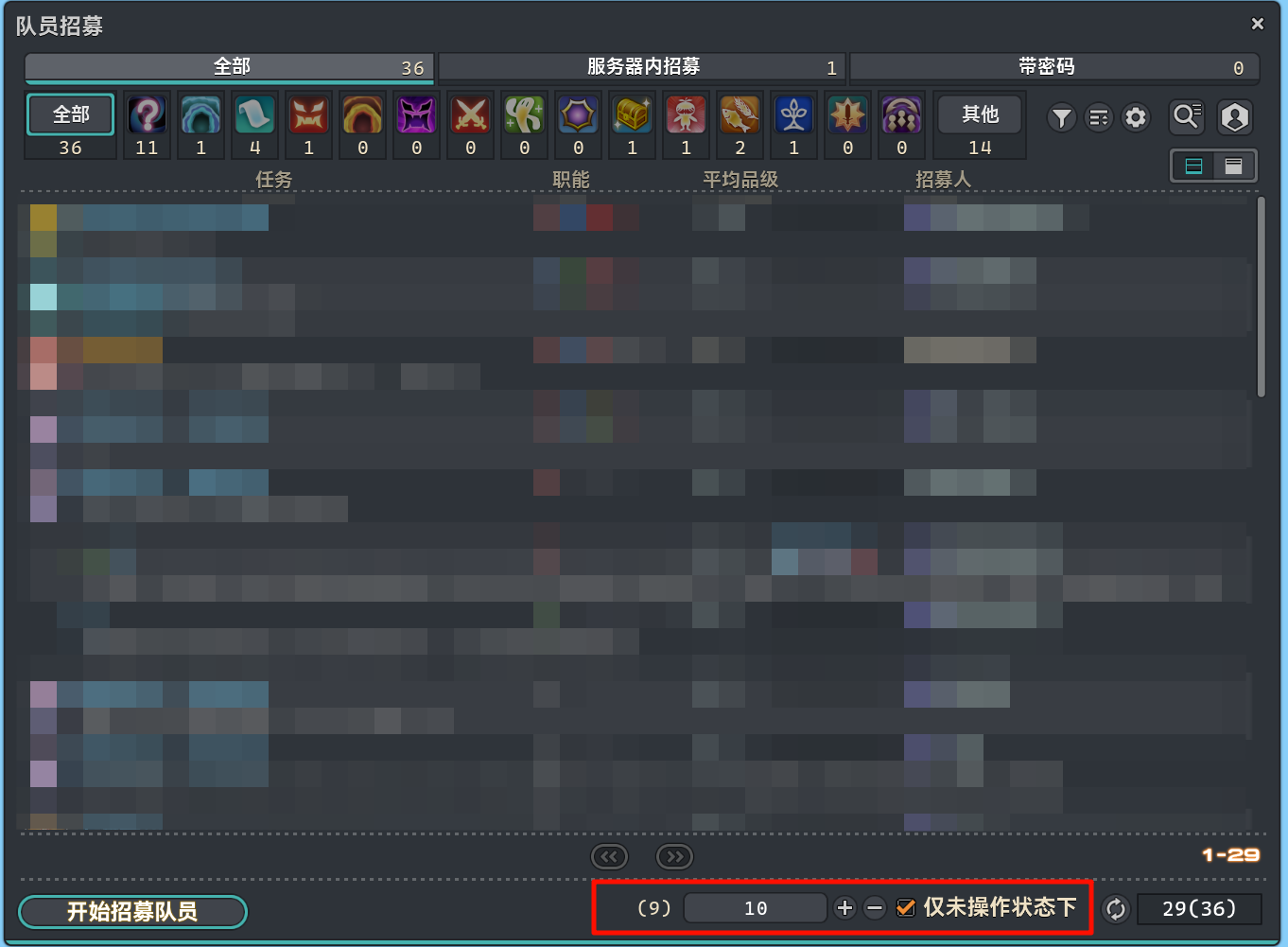
Auto Refresh Party Recruitment [UI_Operation]
Section titled “Auto Refresh Party Recruitment [UI_Operation]”- Related configurations are now presenting using vanilla game assets instead of a floating window in the past.
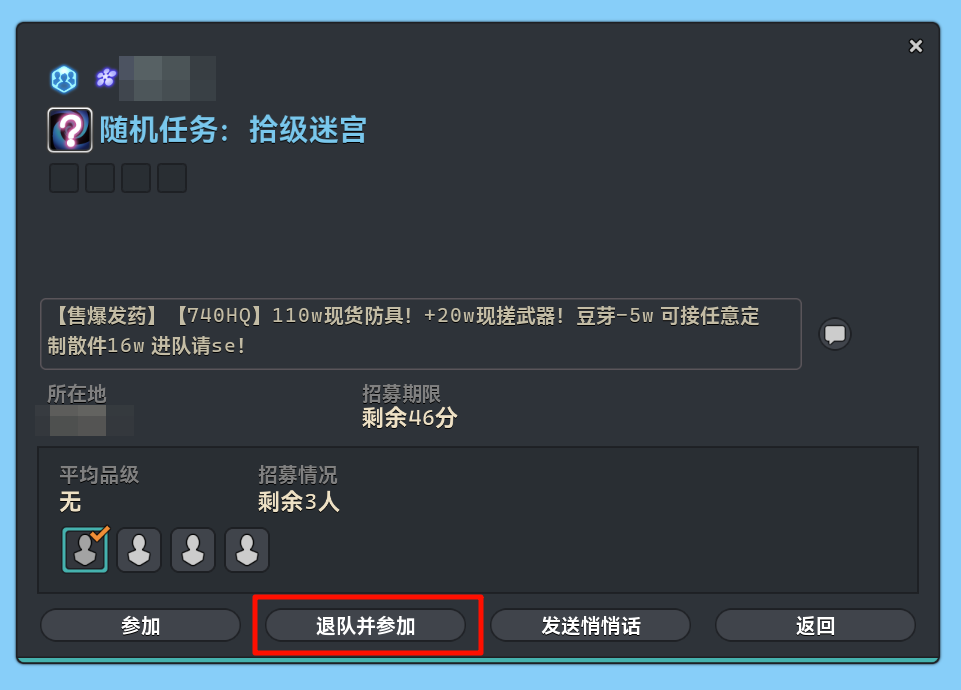
Leave Current Party And Join Another [UI_Operation]
Section titled “Leave Current Party And Join Another [UI_Operation]”- Related buttons are now presenting using vanilla game assets instead of a floating window in the past.
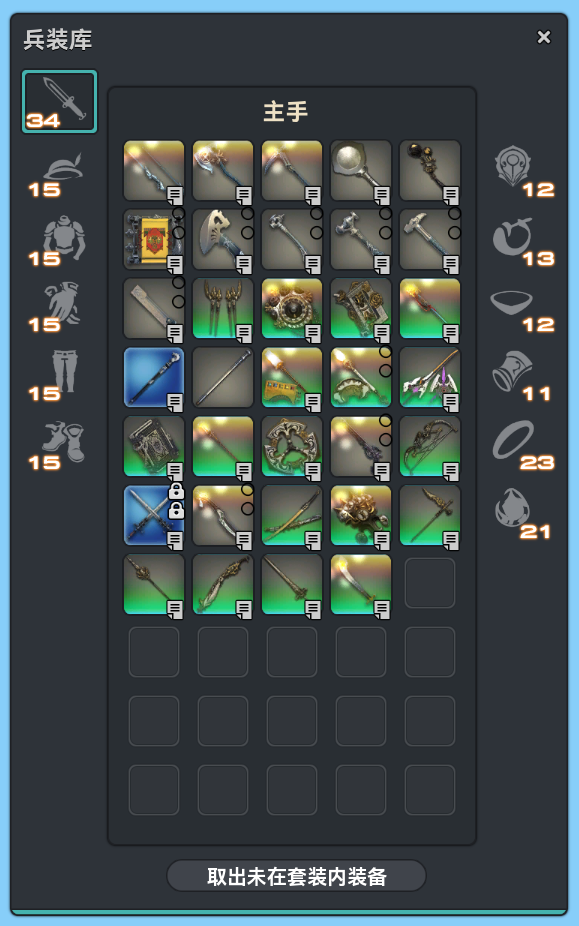
Auto Retrieve Gears Not In Sets [Combat]
Section titled “Auto Retrieve Gears Not In Sets [Combat]”- A message instead of a notification in the past will be sent to the chat log after retrieving gears.
- Retrieval buttons using vanilla game assets were added to the Armoury interface for better accessibility of the module.
Auto Hide Game Objects [UI_Optimization]
Section titled “Auto Hide Game Objects [UI_Optimization]”- The behaviours of the option
Hide Irrelevant Event NPCswere adjusted.